Set Office Hours on Avaya Cloud Office
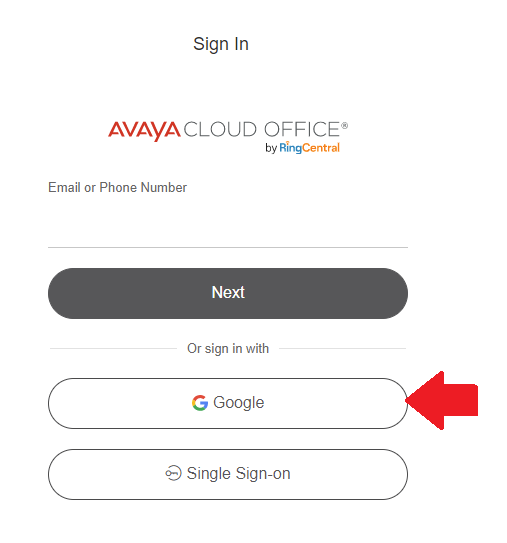
    Sign in to Avaya Cloud Office - service.cloudoffice.avaya.com Click Sign in with Google

    image.png

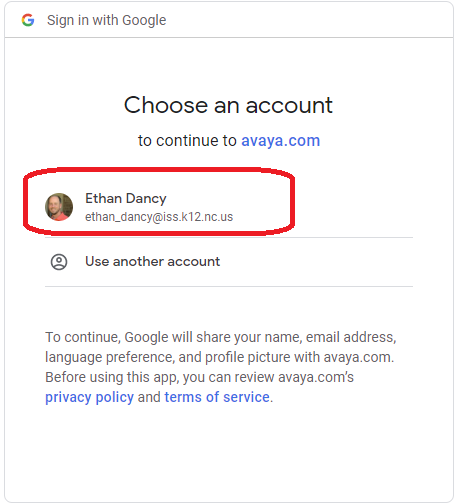
    Choose your ISS Email Address

    image.png


    The first time you sign in, it may ask you for permissions to use your Google Account. Click Allow on these options.


    Click Settings at the top.
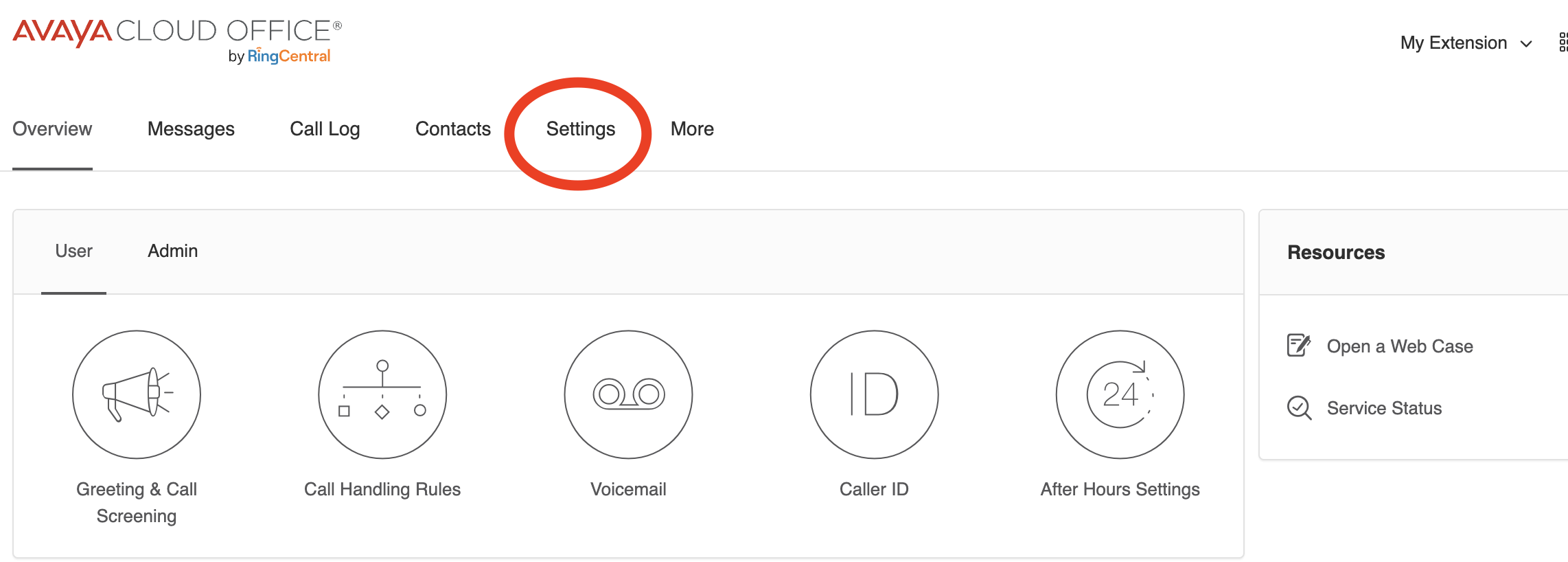
    image.png


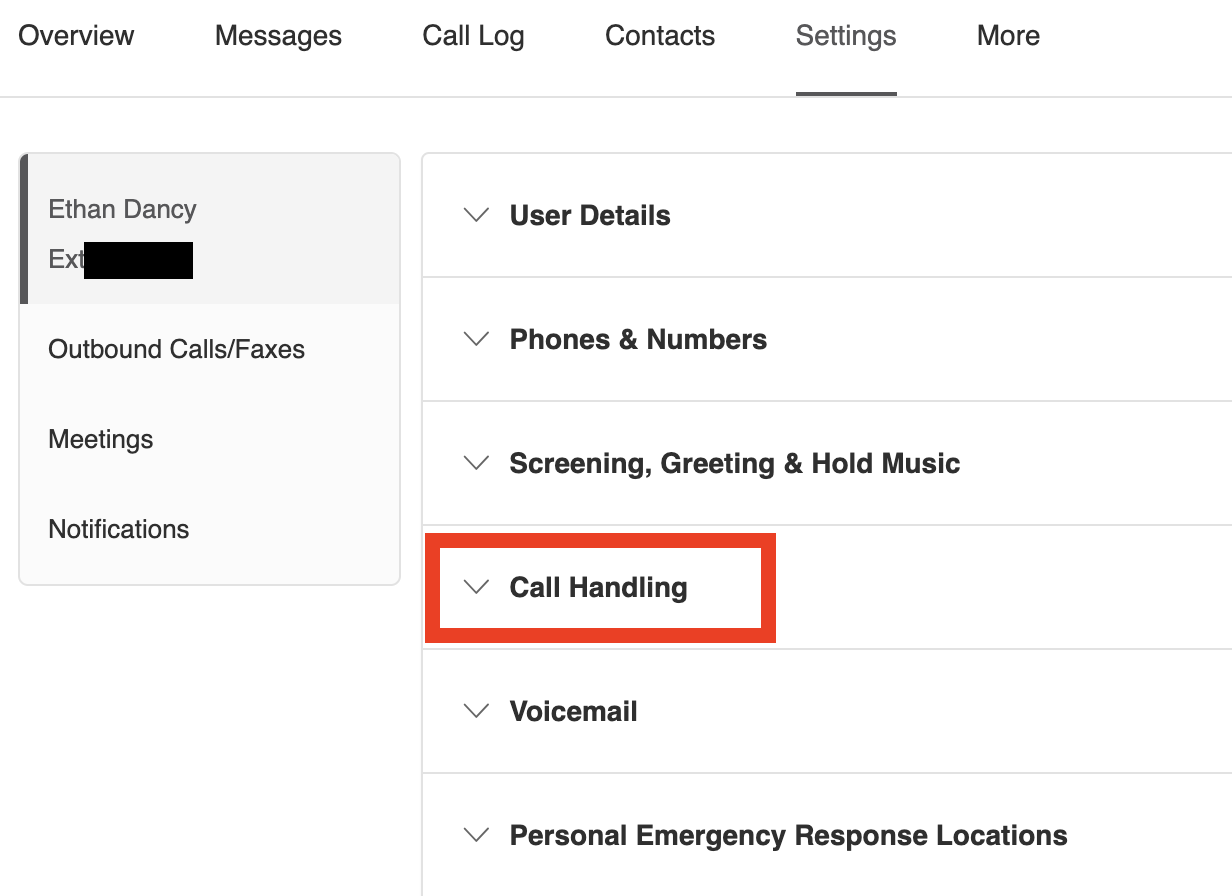
    Click Call Handling 


    image.png


    Click Work hours, and then click Edit Schedule
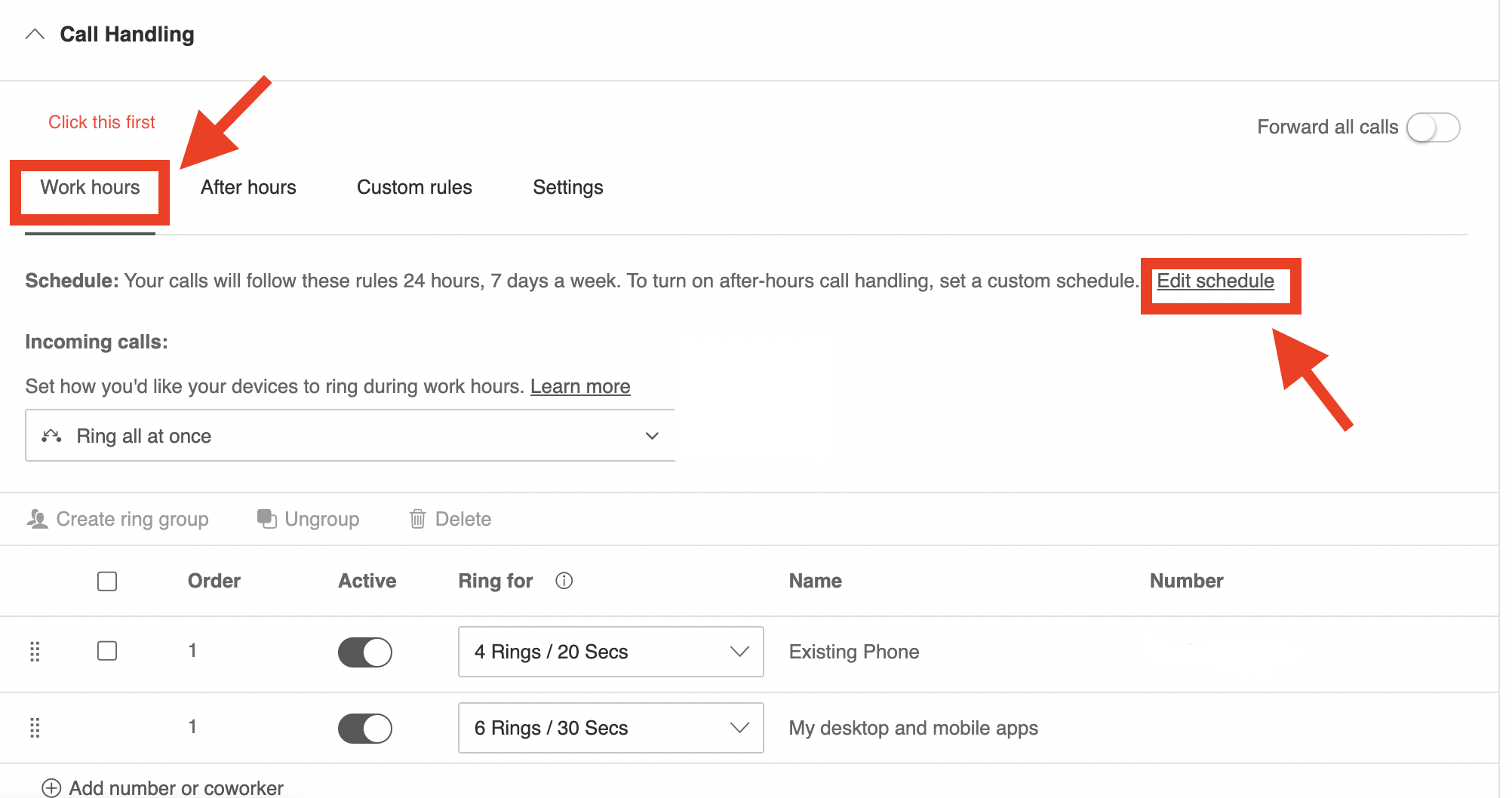
    image.png


    Here you can specify a specific work hours schedule.
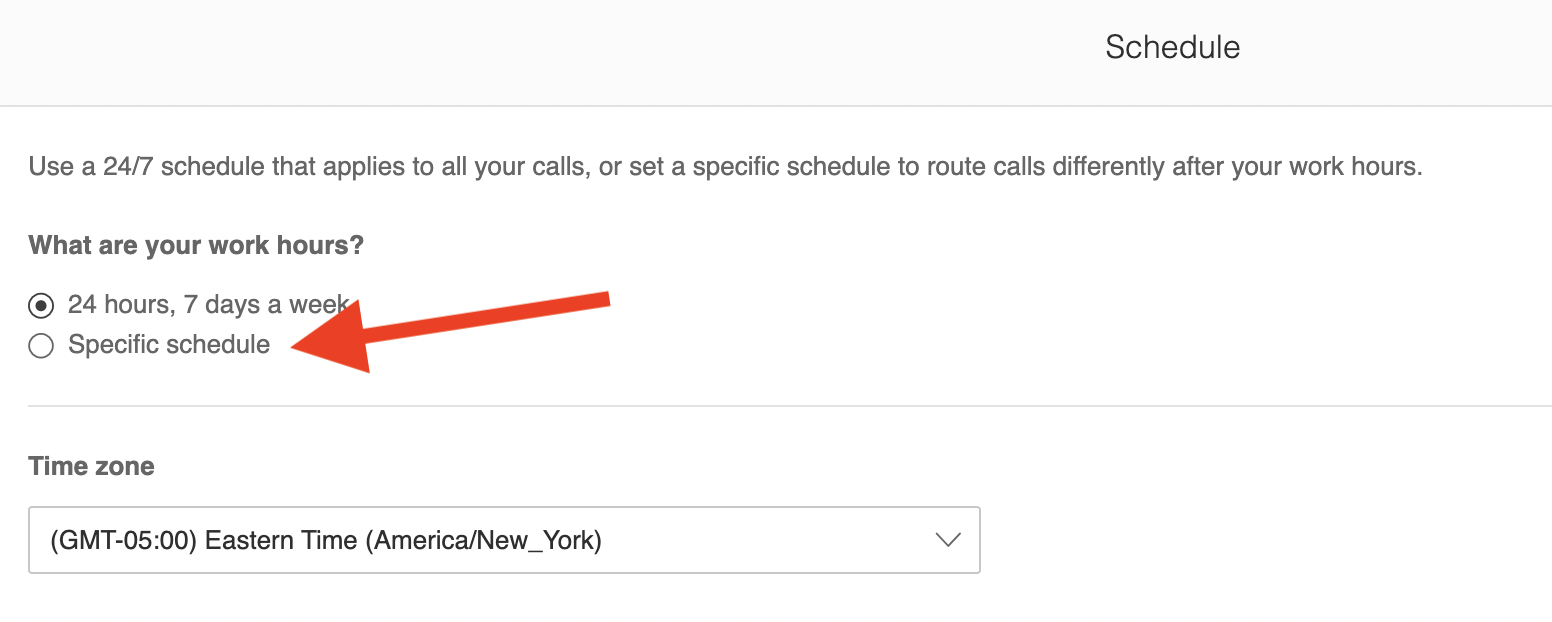
    image.png

    image.png


    Once you are finished setting your schedule, then click Save.