Skip to main content
How to Backup Your Computer with Google Drive
On your computer, go to drive.google.com. and sign in with your ISS Email Address and Password
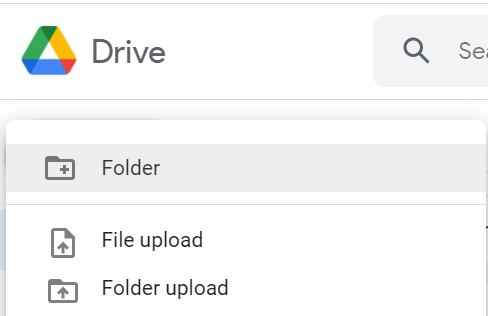
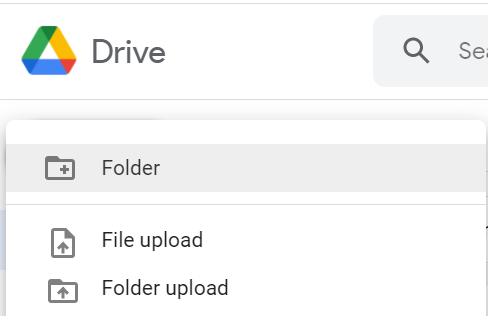
At the top left, click New  File Upload or Folder Upload.
Choose the file(s) or folder(s) you want to upload. HINT: You can click on one file, and then press the keys CTRL + A to select all of the files, or hold the CTRL key and select multiple files at once. After the folders & files are selected, click Open.