
How to Connect iPhone to ISS Network
|
OR |
|
|
|
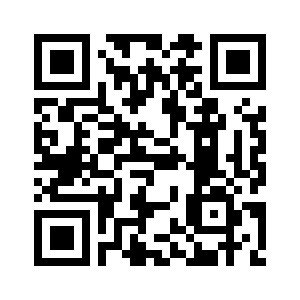
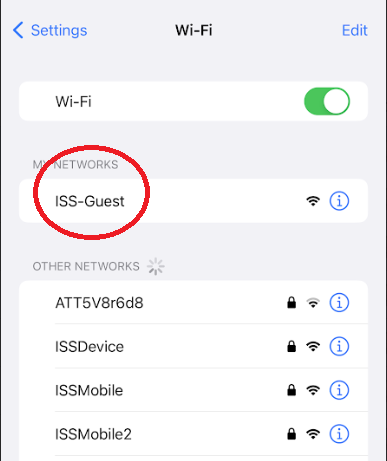 |
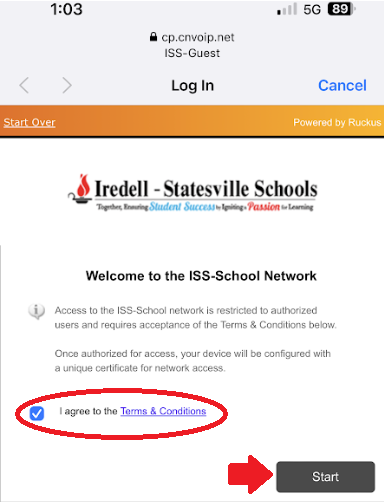
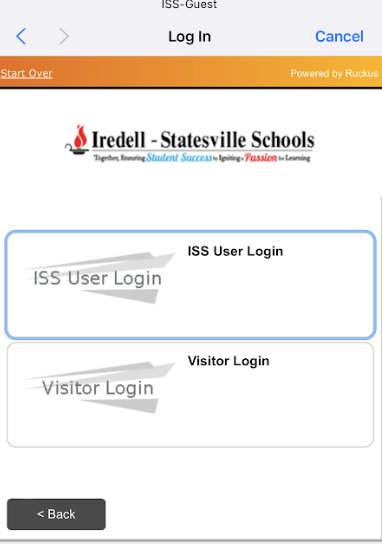
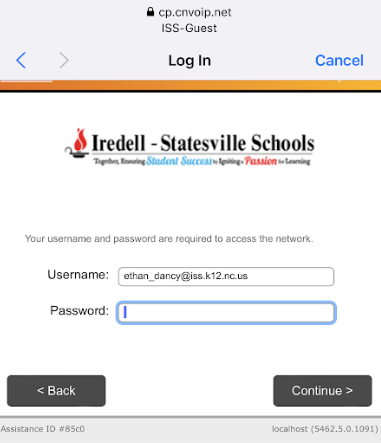
2. Read & Agree to our Terms & Conditions and check the box that you agree and then click Start. 3. If you are a Staff Member, click ISS User Login 4. On the next Page, put your full email address and Password in and click Continue
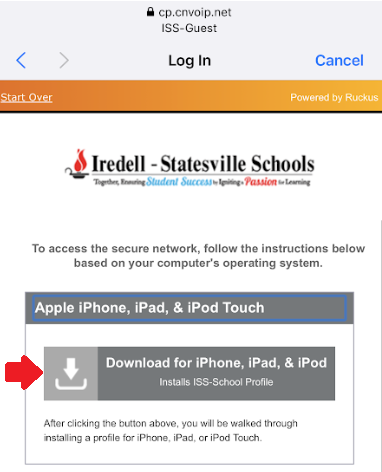
5. Download the certificate
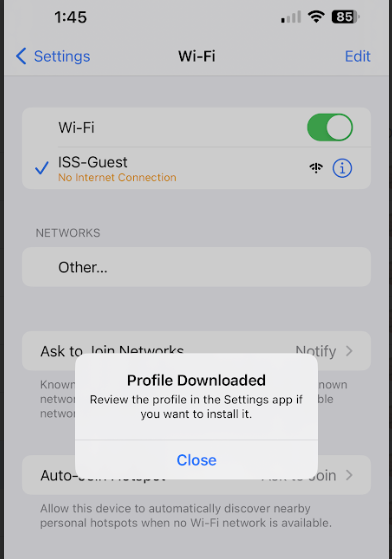
6. It will then prompt you that the profile is downloaded. You can click on Close on the profile, and then go back to the Settings App on your phone.
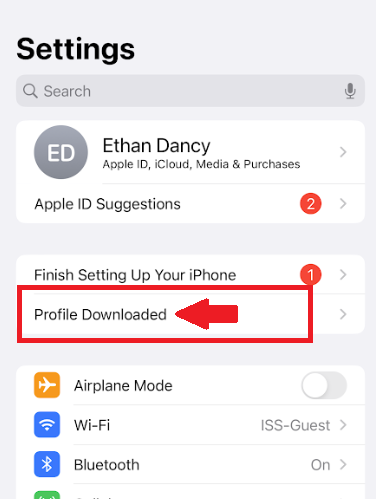
7. Up near the top of Settings, you will see a button that says Profile Downloaded - click on this
8. It will then ask you for your phone passcode.
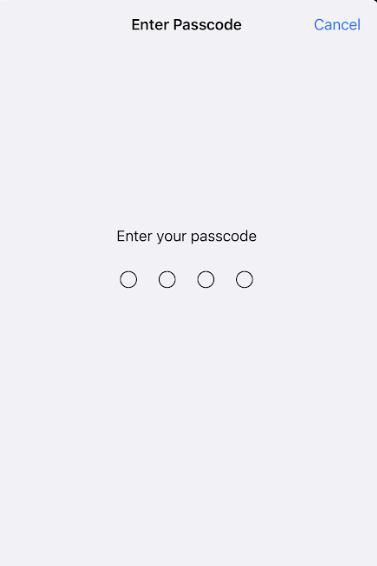
9. It will then ask you to Install the Certificate. Click Install in the top right

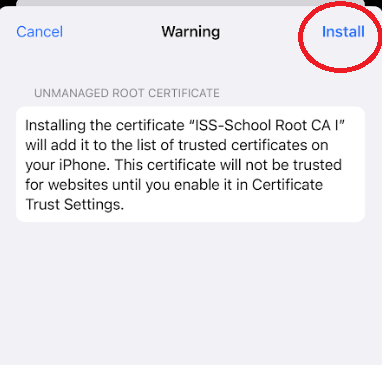
10. If you receive a warning click Install again in the top right.
After all of these steps are completed you should now be able to go back to your WiFi Settings, and then connect to ISSDevice automatically.
