Create A Email Rule for Lightspeed Alerts
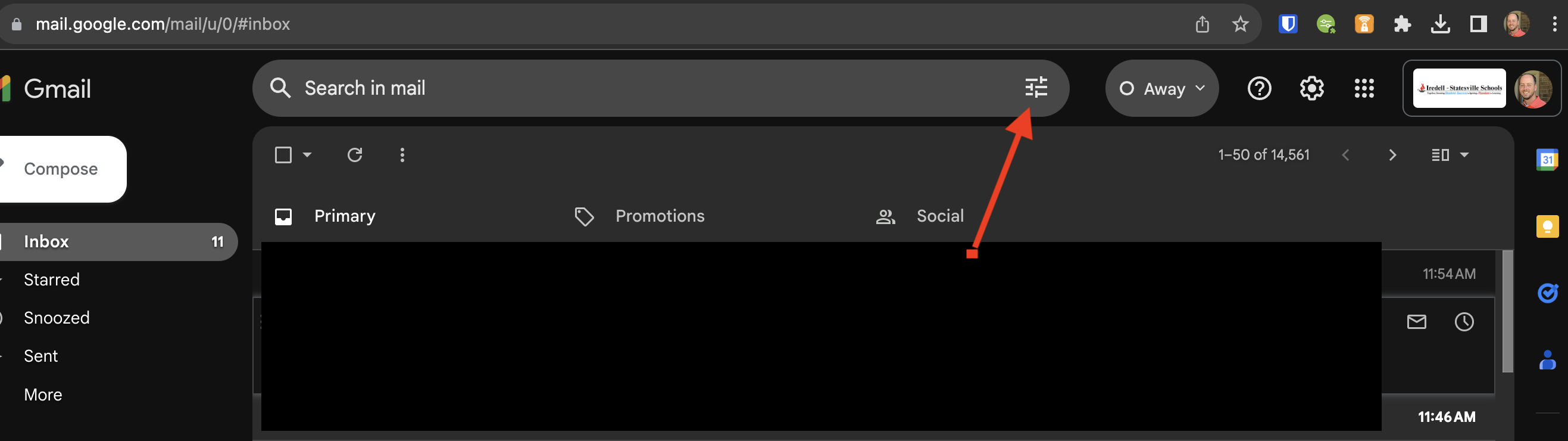
- Login to Gmail, and then click on the icon inside of the search bar.

- Beside the From box, enter do_not_reply@lightspeedsystems.com and then click Create Filter

- Make sure your check boxes match these in order to create your rule and then click create filter.